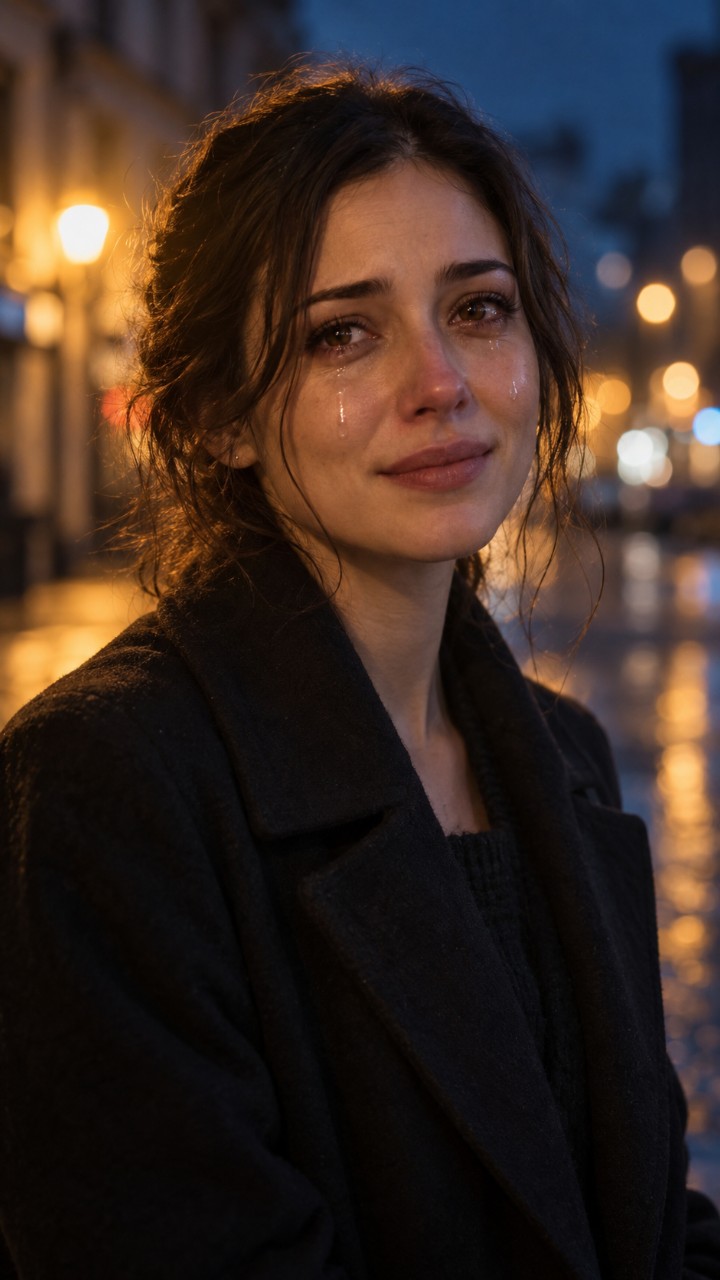
 Original photo
AI video
Your photo. A cinematic scene. Let the tears tell the story.
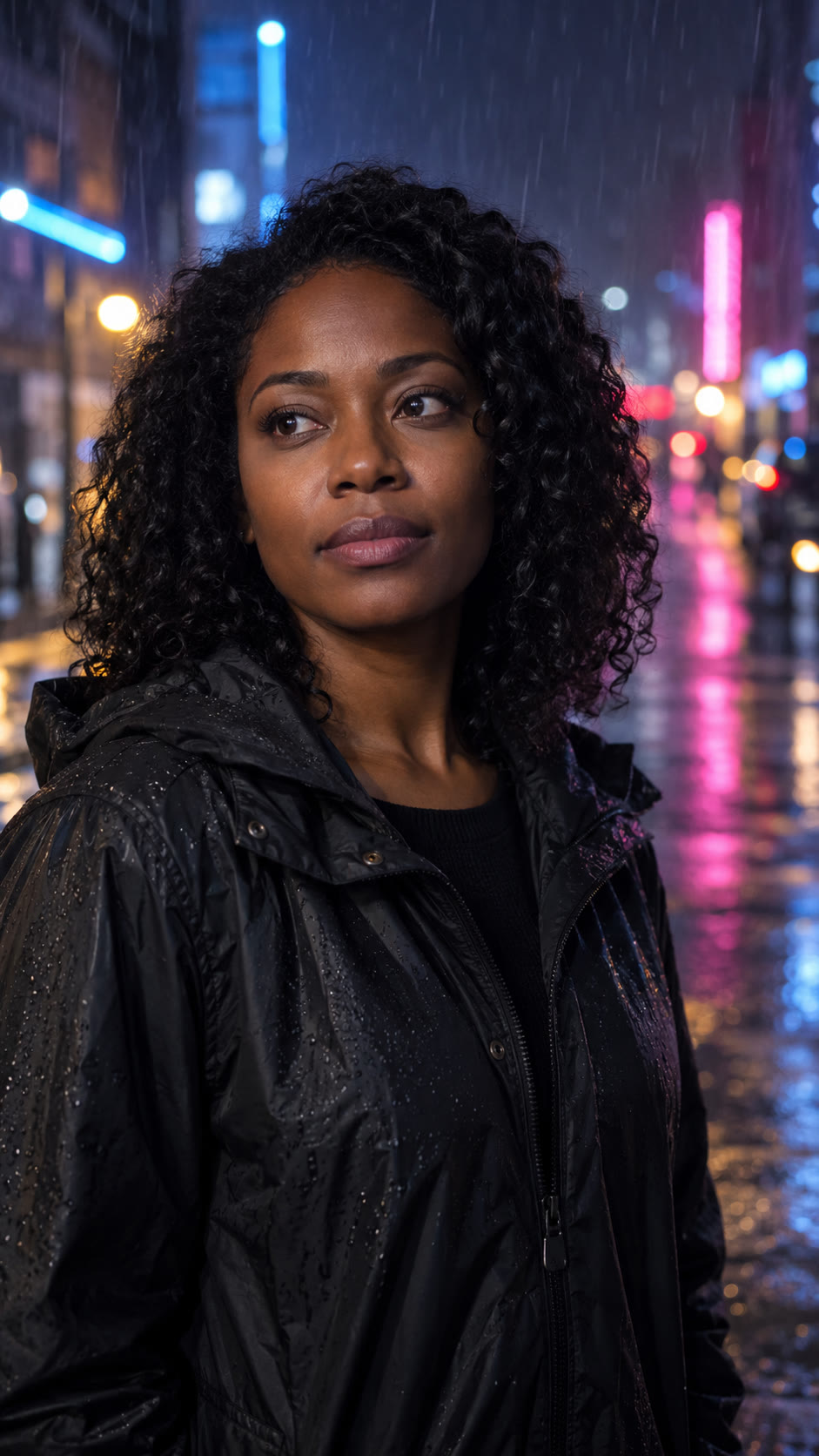 Original photo
Real generations · AI-created people
Choose a clear portrait of one adult whose photo you have permission to use. A front-facing or slightly turned face with even lighting gives the generator a clearer starting point. Avoid tiny faces, sunglasses covering the eyes, heavy blur and group photos. Upload a JPG, PNG or WebP under 8 MB, then adjust the vertical crop so the eyes and mouth remain visible. Your photo is the starting image; the AI creates new motion rather than recording a real event.
The generator creates a 10-second vertical MP4 from a portrait, a scene and an emotion setting. You can request restrained tears or a more visibly emotional performance. The before-and-after examples above are actual generations made from fictional adult portraits. They show possible results, not a promise that every face will move or cry in the same way. AI can change facial details, hands, lighting or the background. Review your result before downloading or sharing it, and label it as AI-created when context could be misleading.
The current credit cost appears on the Generate button before you start. Available prices and video counts are listed on the pricing page. One-time credits do not expire; monthly-plan credits expire at the end of their billing period and do not roll over. Canceling a monthly subscription stops its next renewal. When a generation is marked failed, its app credits are returned automatically. A job still processing has not yet failed, so check My videos before trying again. Deleting a completed video does not return its credits.
Open Templates to compare the night-street, window-light and neon-rain scenes, then choose Holding back tears or Let it all out. The template link selects those controls in the studio; it does not upload a photo, confirm permission or start a paid generation. Add your own portrait, inspect the crop and choose Generate when ready. The six combinations share three real demonstration clips, with each clip labeled by the emotion used. You can also open the free prompt generator to read and copy the scene instructions.
Window light gives you a quieter indoor starting point with soft side lighting. Night street requests warm city lights and a cinematic evening mood. Neon rain requests a wet urban background with colored reflections, as shown in the rain example. Pair a scene with restrained emotion for a subtle reaction, or choose stronger emotion for a more expressive take. These settings are directions to the model, not fixed footage or guaranteed camera moves. A well-lit source face still matters even when the requested scene is dark.
People often call this effect an AI crying filter, but here you upload a still photo and generate a new video. The website does not add tears live to a webcam, and it does not require a social-media app or a CapCut account. If you only want a still reaction image with captions, the free crying meme maker exports a PNG using one of our example pictures or your own upload. Adding captions there does not transform a neutral face into a crying face.
Your generated videos are available through your signed-in account rather than a public user gallery. The video provider processes the portrait to make the result; its own data policies also apply. Our public examples use fictional AI-created adults, not customer uploads. You can delete a finished video from My videos to remove our stored copy. Deletion cannot recall files you already downloaded or copies held elsewhere. The privacy policy explains provider processing and account-deletion requests. Only upload a portrait when you have the right to use it.
If a job is still queued or processing, leave it in My videos and check its status there instead of repeatedly submitting the same portrait. If the result looks unnatural, a clearer crop or a less dramatic emotion can be a useful adjustment, but a new completed generation uses credits. For account, credit or payment issues, contact support@ai-crying.com or open a support ticket. Include the task or order reference rather than a password or API key. Refund eligibility is explained in the terms; canceling a subscription is separate from requesting a refund.