
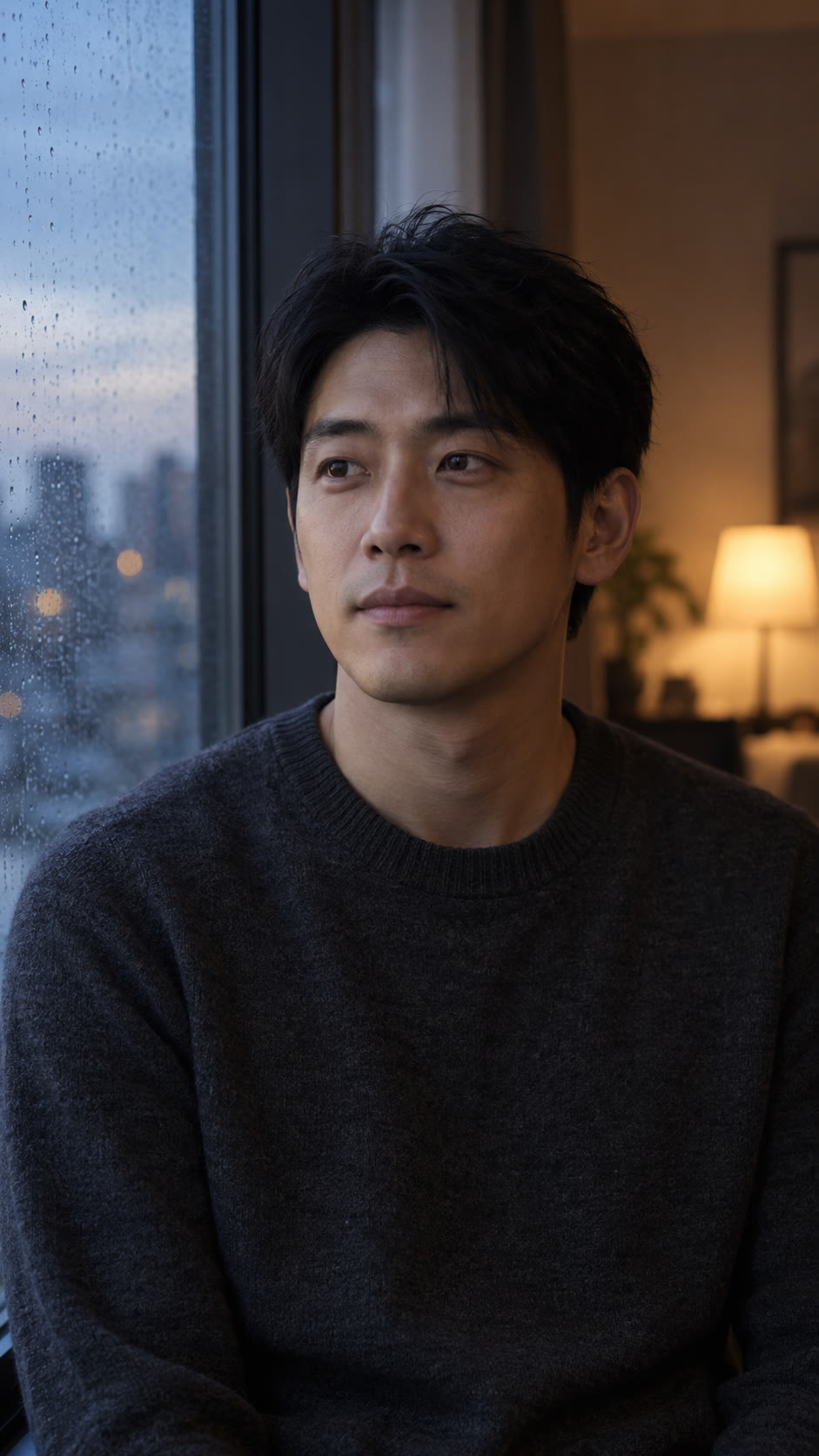
 Original photo
AI video
Window light
Soft window light and a quiet close-up. Try a restrained reaction or a more emotional indoor moment.
Shown sample: Holding back tears
Three cinematic scenes. Two emotions. Pick a template and bring your own portrait.
Original photoSoft window light and a quiet close-up. Try a restrained reaction or a more emotional indoor moment.
Shown sample: Holding back tears
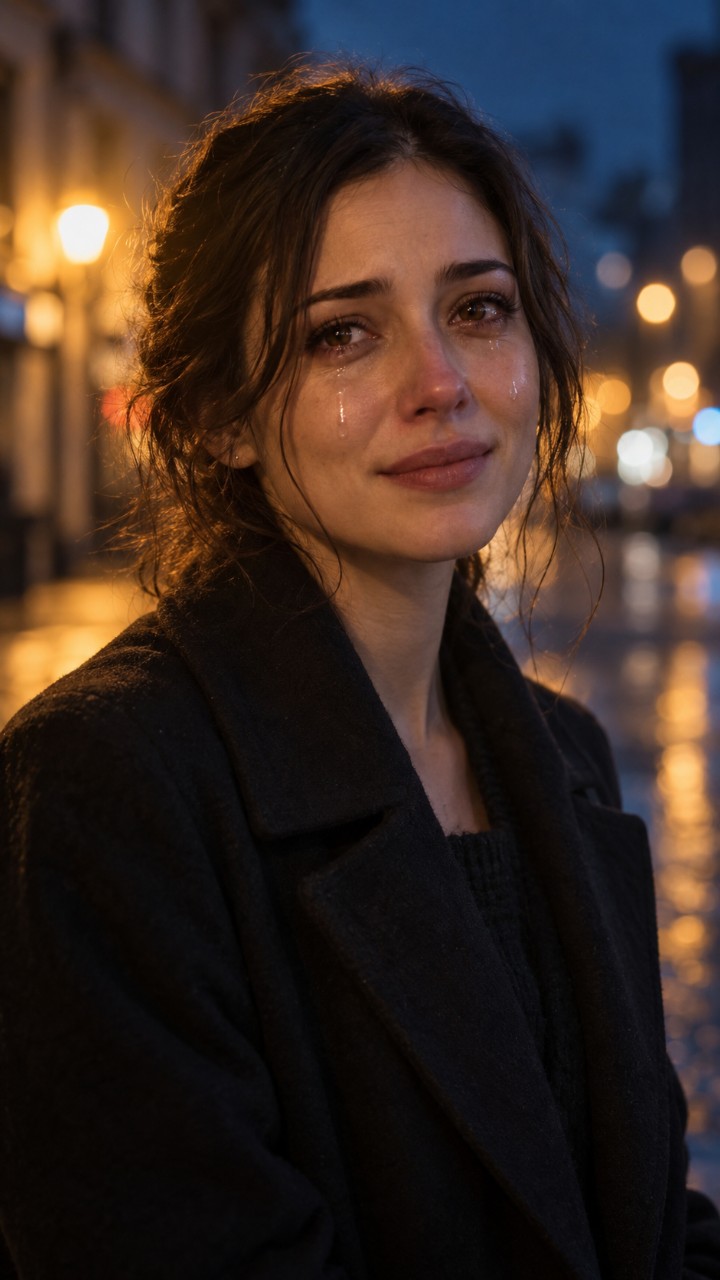 Original photo
Warm city lights and an evening portrait. Use the street atmosphere for a cinematic reaction video.
Shown sample: Holding back tears
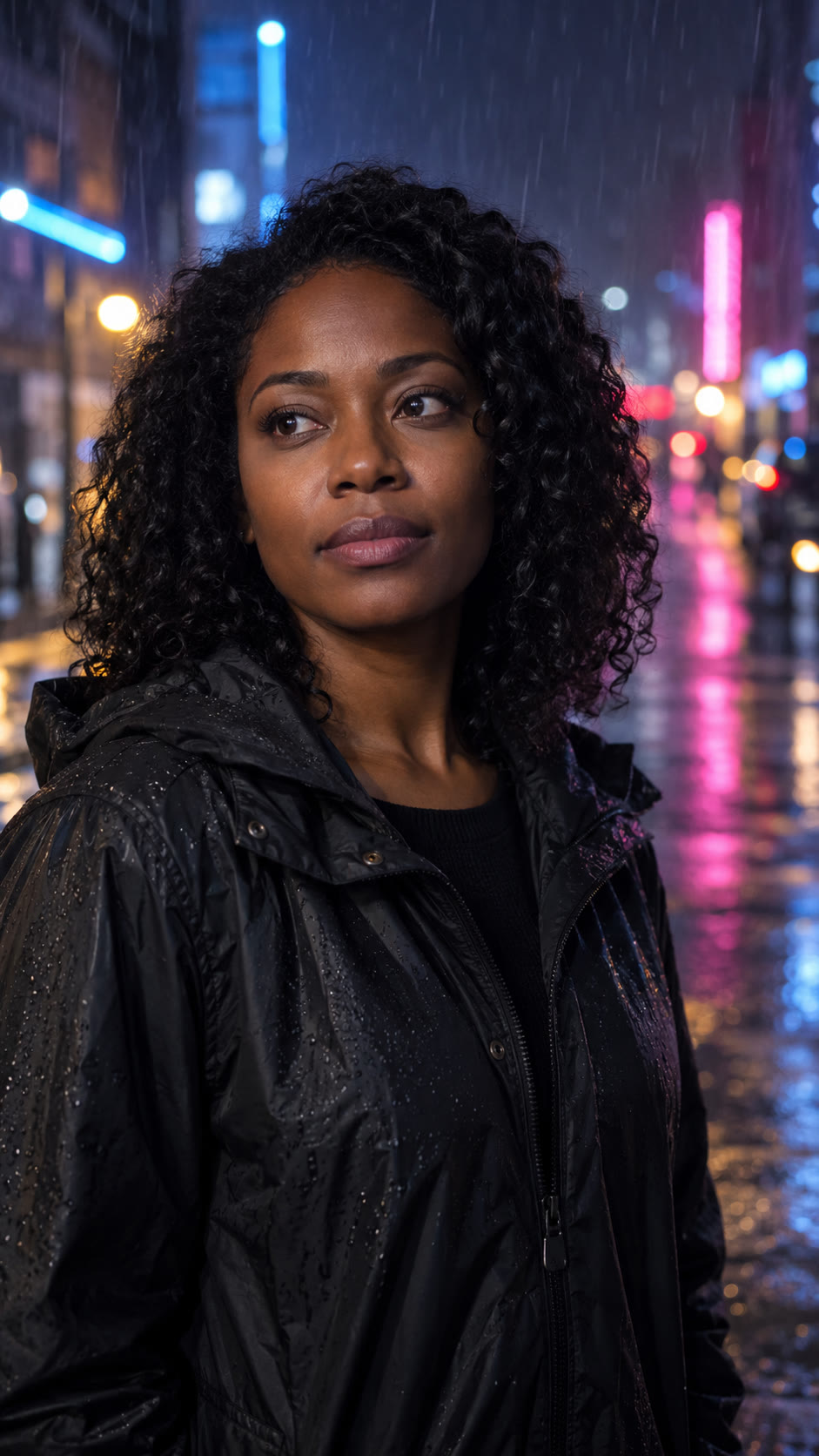 Original photo
Neon reflections and a rainy street. Choose this template for the crying-in-the-rain look.
Shown sample: Let it all out
Three real generated clips illustrate six selectable scene/emotion combinations. Each clip uses the emotion shown in its label. Other combinations may look different.
Templates are scene and emotion instructions for the AI model. They do not guarantee identical tears, identity preservation, gestures or backgrounds. The examples use fictional adults. Preview the result before sharing, and do not present it as a recording of a real event.